

Table of contents
Overview
Share the benefits of GotPhoto with friends and colleagues through our referral program - and get rewarded too! You can easily access and manage your referral options from your admin area.
Refer a friend or colleague
To manage your referral settings, click on your username in the top-right corner and select Referrals from the dropdown menu.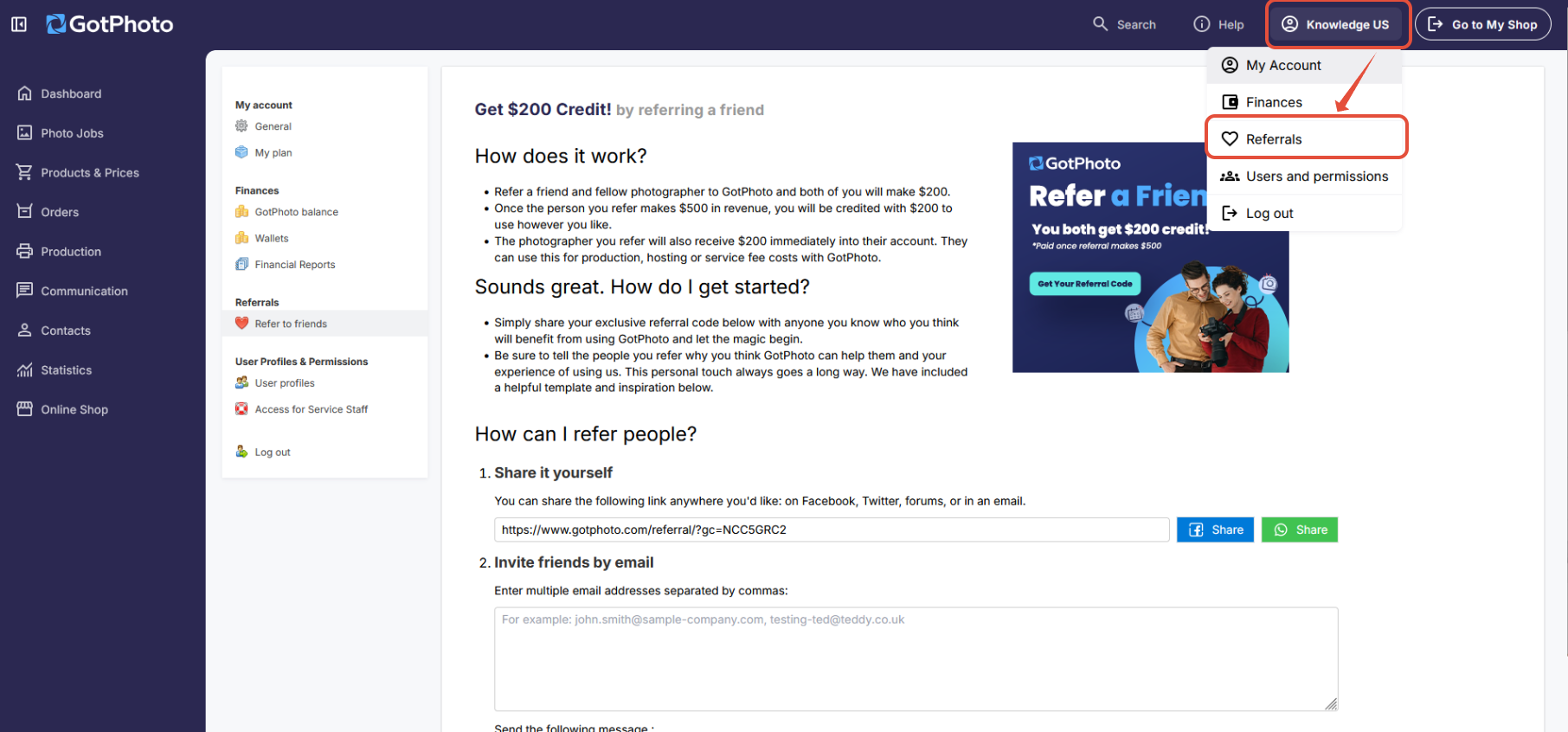
The referral link is also located in the lower-right corner of the Dashboard, in the section titled “Refer a friend and earn $200 each.” Simply click “Refer a friend” to open your referral settings.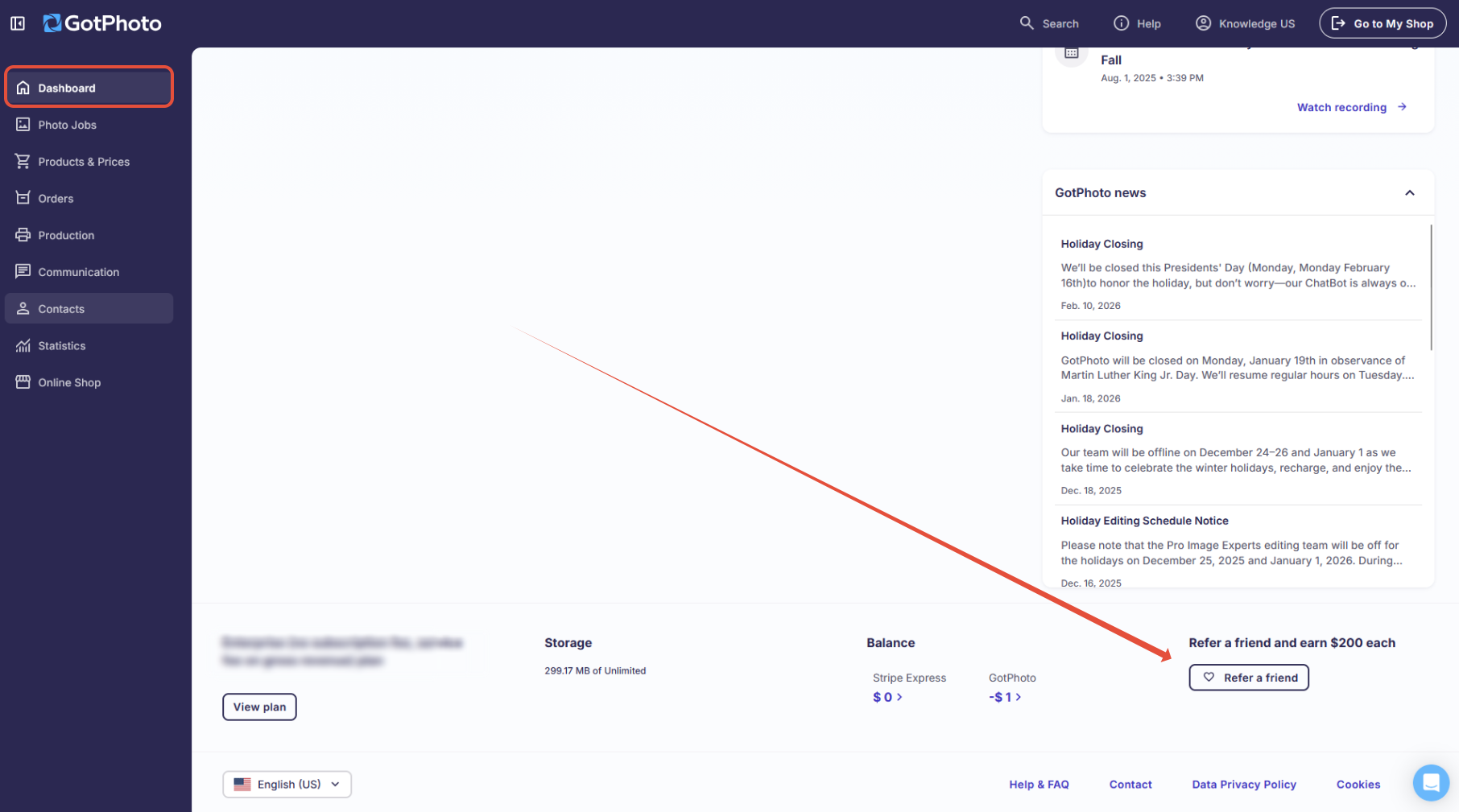
On the referrals page, you can:
- Copy your personal referral link to share directly
- Write and send an email invitation
The new user must use your referral link during sign-up to ensure both of you receive the bonus.
Once your referral earns $/£500 in revenue, you will both receive a $/£200 credit to your GotPhoto accounts. Credits are issued to your fotograf.de account during the first week of the month after the €500 threshold is reached.
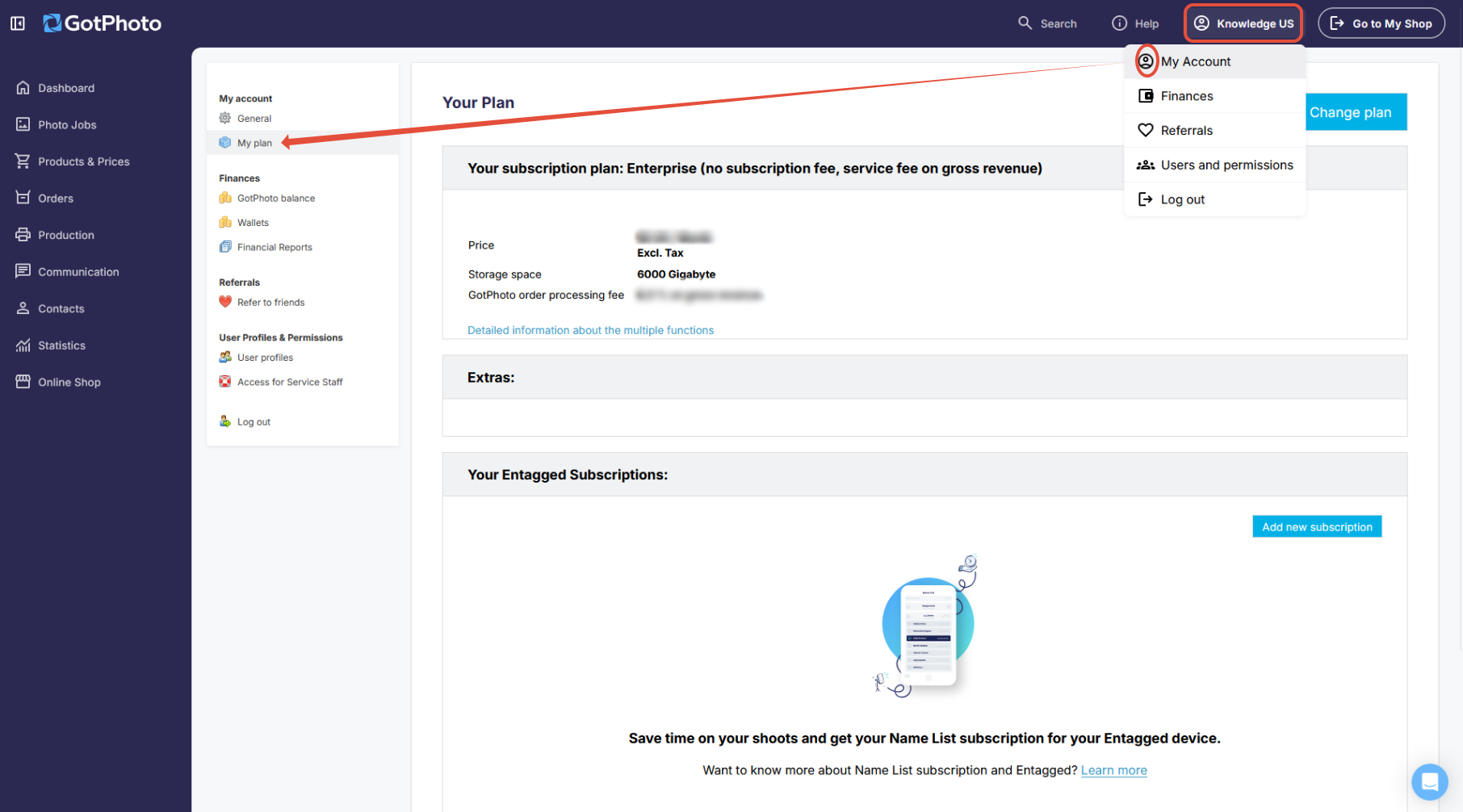
Note: Referral bonuses cannot be combined with other vouchers. To check if you have an active voucher:
- Click your name in the upper-right corner of the admin area and click My account.
- Select Your Plan
The takeaway
Use your personal referral link or email to invite others to GotPhoto. Once they meet the revenue goal, you both benefit with a generous account credit—making referrals a win-win.