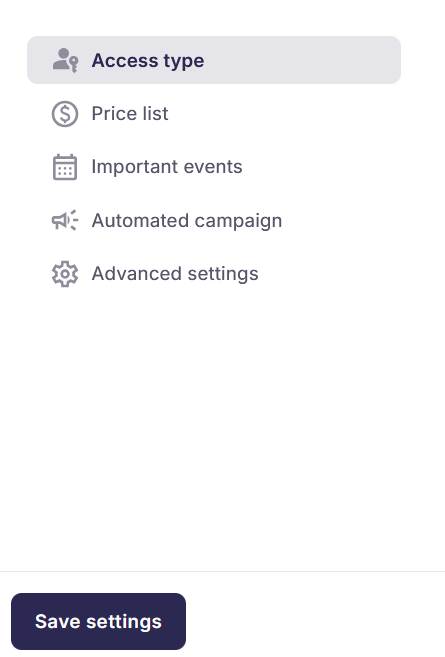
The photo job's Settings page is the first page that appears when clicking into a Photo Job. It is also the first page you will see upon creating a new photo job:
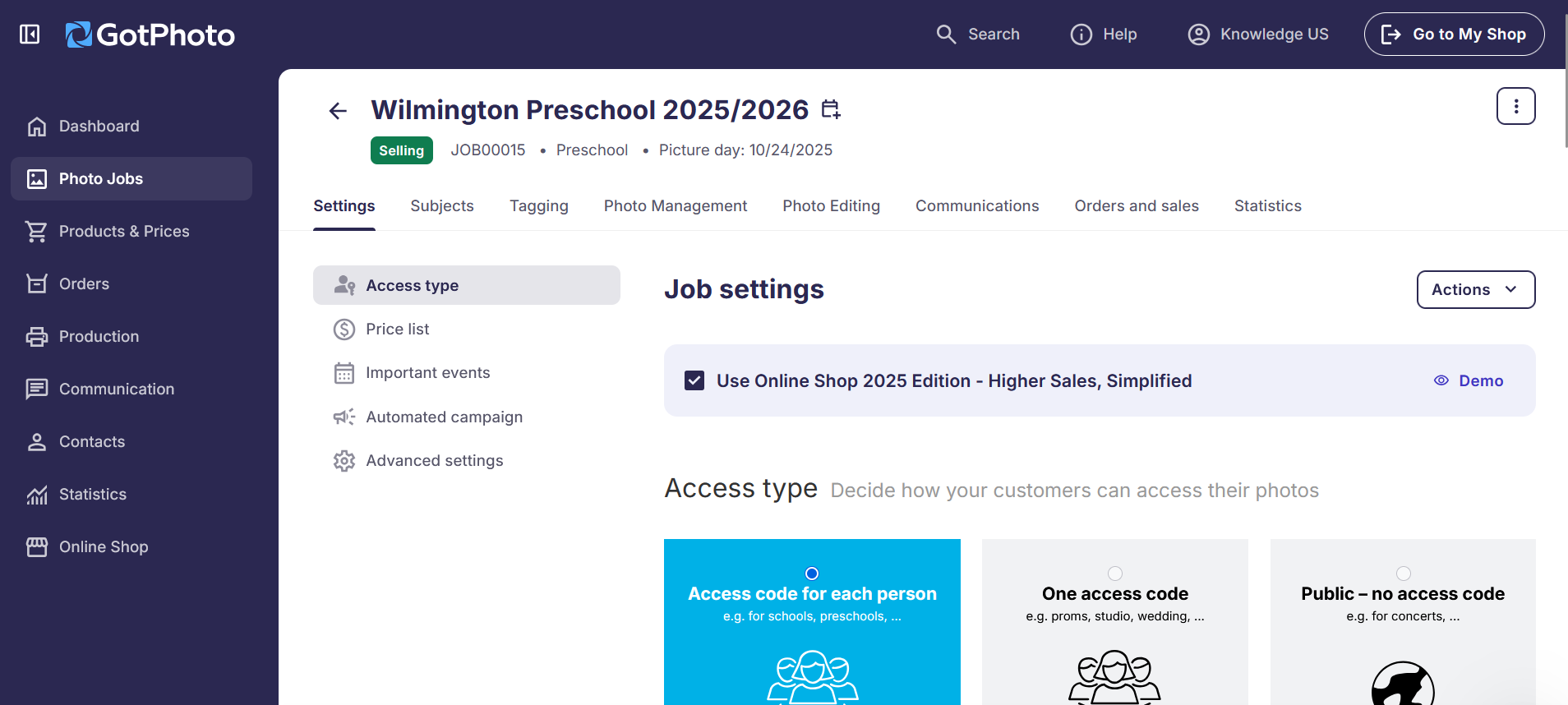
Click any of the links below to learn more:
- Access type: Select how your customers will access photos.
- Price list: Select the Price Profile you would like to attach to your job.
- Important events: This setting provides your shooting date, selling date and archiving date, as well as the ability to set the job to Prepay (for existing prepay users in North American only), add a job coupon, and enable batch shipping.
- Automated campaign: Select the automated campaign you would like to attach to your job.
Make sure to click the blue Save settings button on the bottom left of the page after changing any settings: